Different JPEG errors and their solutions
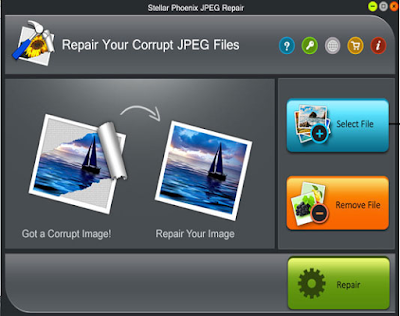
JPEG is very famous native media format and it is used by the people of different fields like designers, photographer and, students etc. It is a well-known format so no needs to introduce it. I had few photos in JPEG format and few of them were looking messy when I opened them. Well, being as an IT professional, I love to find and execute new ideas so I read about the common errors of JPEG and write this blog for you. JPEG error #53 This Error may occur by the following reasons: Due to insufficient memory on the disk. Availability of bad sectors. Damaged file header. Improper SD card removal from the device which has JPEG images. When a user clicks the picture and battery is low. Solution: Try to open the file in Paint or Photoshop and resave it. It may fix the error. JPEG error #42 Generally, this error occurs due to the size of the file or when a user saves the file at 100% quality. Solution: Save the file in less than 100%. Some points of quality are give...
