5 Powerful Solutions to Fix QuickBooks Error 6177
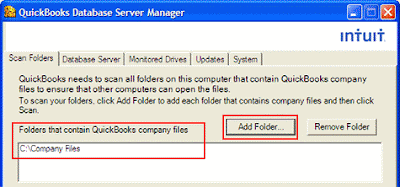
Error 6177 occurs when QuickBooks software does not recognise the path to open the company file. This is the primary reason but, other reasons can also be cause for this error. Let’s discuss some important solution to fix this error. Solution 1: Move your company file to hard-drive Change the location of your company file from a server or any other drive to C drive. Now open the file from there. Create a portable file and save the company file in local drive. Close the company file. Now, restore your portable file from C drive and save to server. Select company file and open it from server. 5-powerful-solutions-to-fix-quickbook Solution 2: Update the QuickBooks version Visit the product page of QuickBooks and update with the latest release. Always update all the updates: manual & automatic to protect the QuickBooks from unwanted error. Solution 3: Manually Fix Follow these steps to manually fix the QuickBooks error 6177 Open the folder that contains comp...